
Other operations
Service run and stop
 Function description
This feature allows users to control the run and stop of published service statuses.
 Operating instructions
1. On the Service Management page, click the Service Run and Stop button of the published service item in the service list,  means the current service is running, and
  means the current service is stopped.
Service inquiries
Function description
With this feature, users can precisely query or fuzzly query published services.
Operating instructions
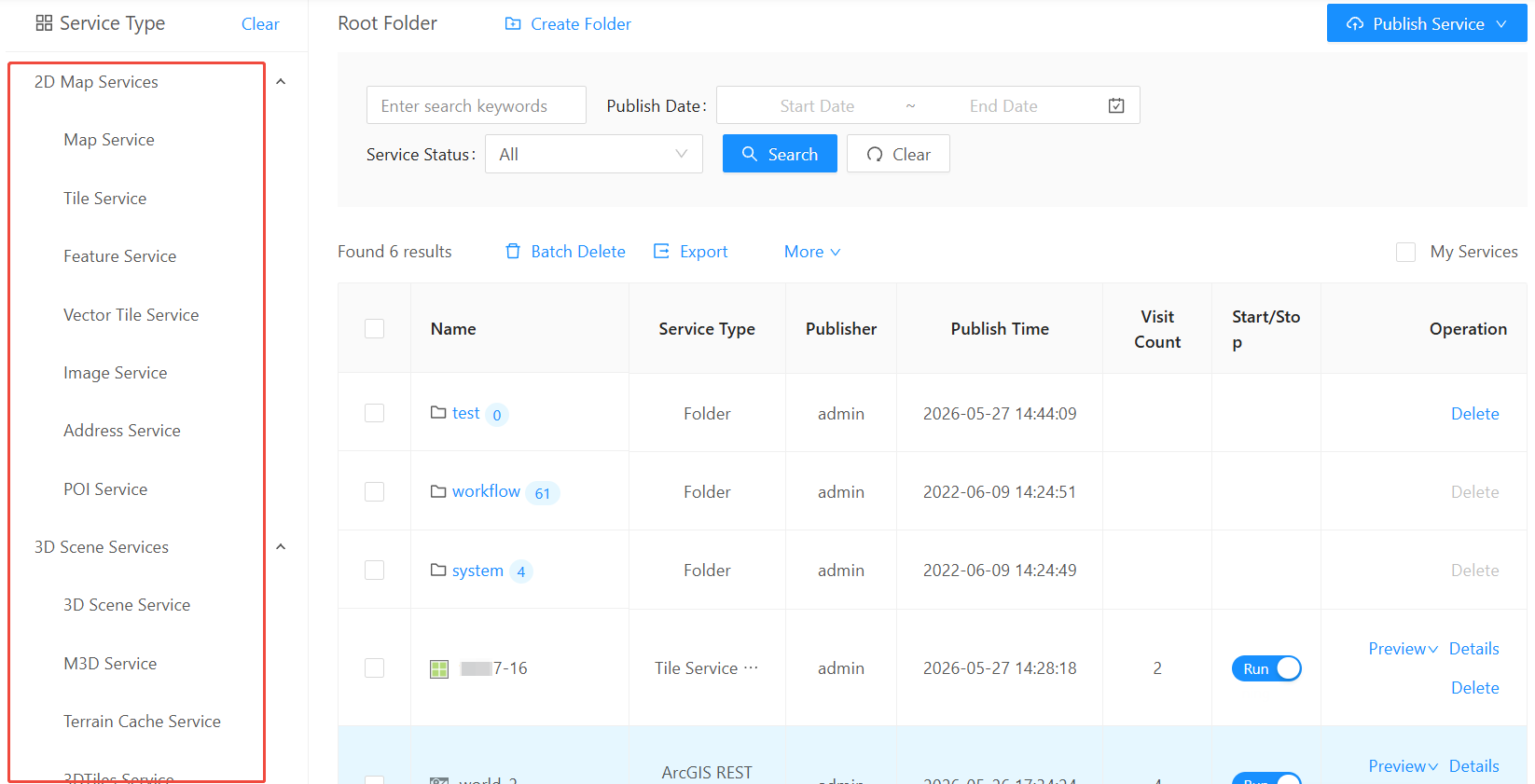
1. In the query module of the service management page, enter the search keyword, or the time range and service status of the service release, and then click the "Search" button to query the service.

2. Click the "Clear" button, the query status will be cleared, then click "Search" again, and the list of services will resume showing all published services.
3. Select "My Services", and only the services published by the currently logged-in user will be displayed in the service list.

4. Select a service type on the left side of the page, and all services of the current service type will be displayed in the service list.
Service deletion/batch deletion
Function description
This feature allows users to delete or batch delete published services.
Operating instructions
1. On the Service Management page, click the Delete button on the right side of the published service item in the service list to delete the current service.
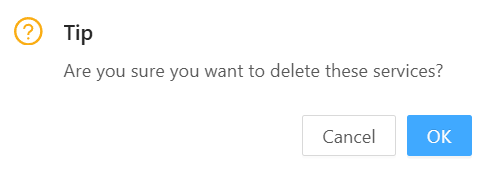
2. Check the checkbox on the left side of the service item, then click the "Batch Delete" button, the following pop-up box will pop up, click "OK" to delete the checked services in batches.
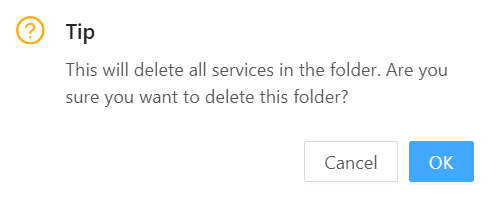
3. Click the "Delete" button on the right side of the folder in the service list to delete the folder, provided that the folder is empty.
Export
Function description
With this function, users can export all published services as Excle documents and save them.
Operating instructions
1. On the Service Management page, click the Export button on the top of the service list to export all current services.
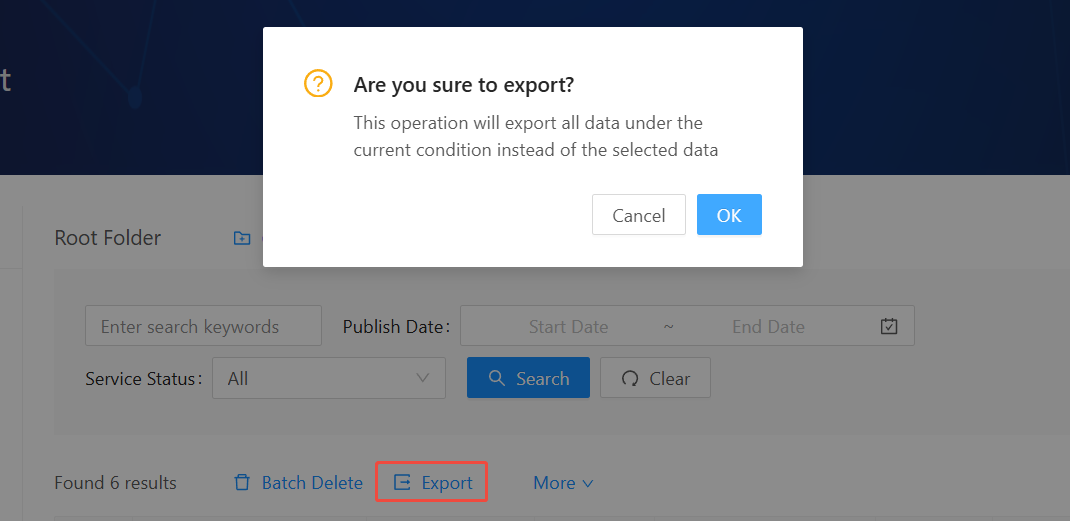
2. After exporting, save it in Excle document format.