Role management
 Function Description
IGServer allows users to assign different permissions to different roles through role management, providing specific operational permissions to different types of users and ensuring the security of GIS services. The system provides three built-in roles: Administrator, Publisher, and Visitor. These built-in roles can only be viewed, not edited. Users can customize roles according to their needs.
- Administrator: The system administrator role, possessing all privileges;
- Publisher: The service publisher role only has the permissions to publish and manage services;
- Visitor: A regular visitor role, with only permissions to view the service directory and view monitoring and log information.
 Operating Instructions
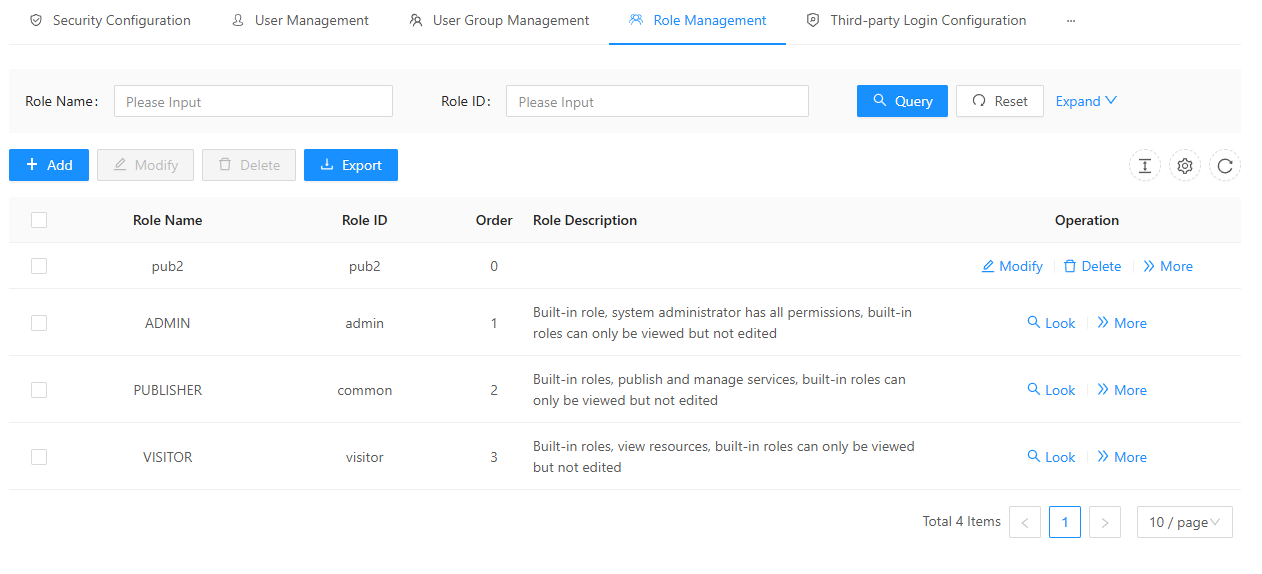
1. On the " Security " page, click " Roles " to display all roles in the IGServer system:
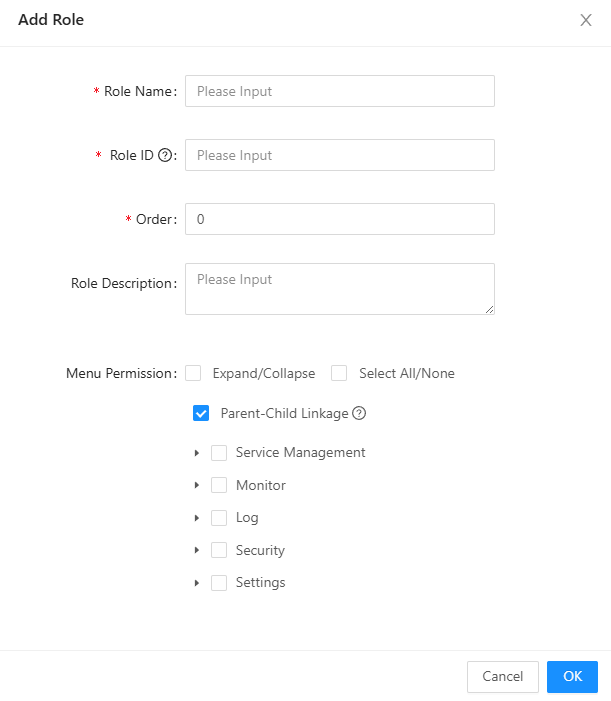
2. Click " Add Role " to add a new role and grant permissions to that role;
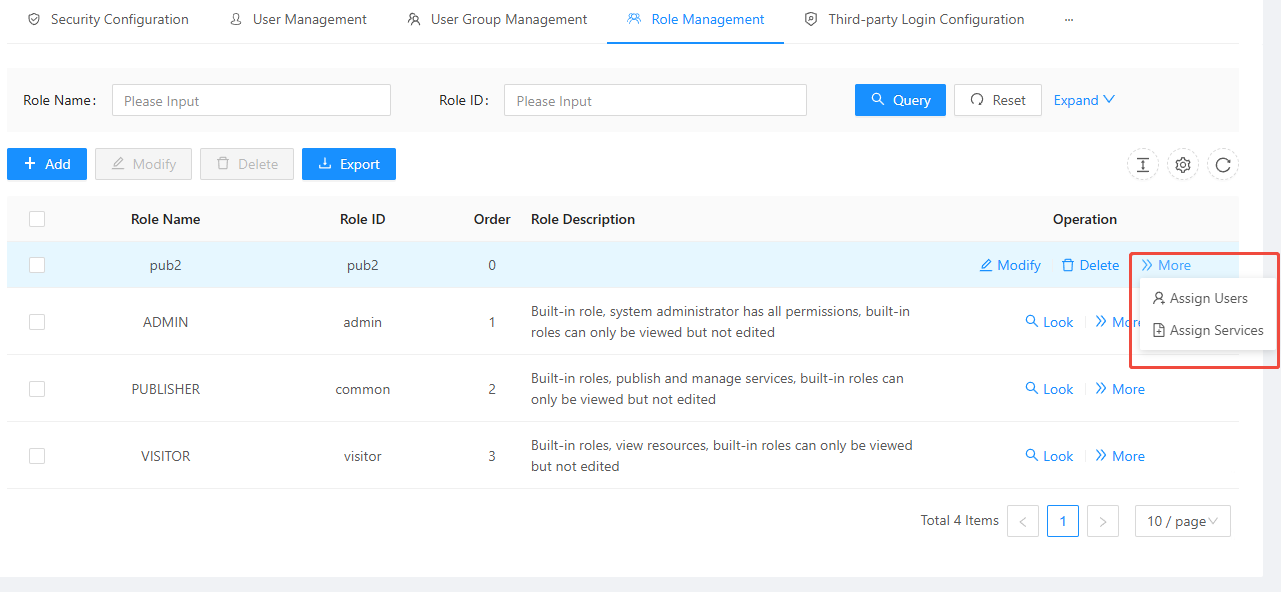
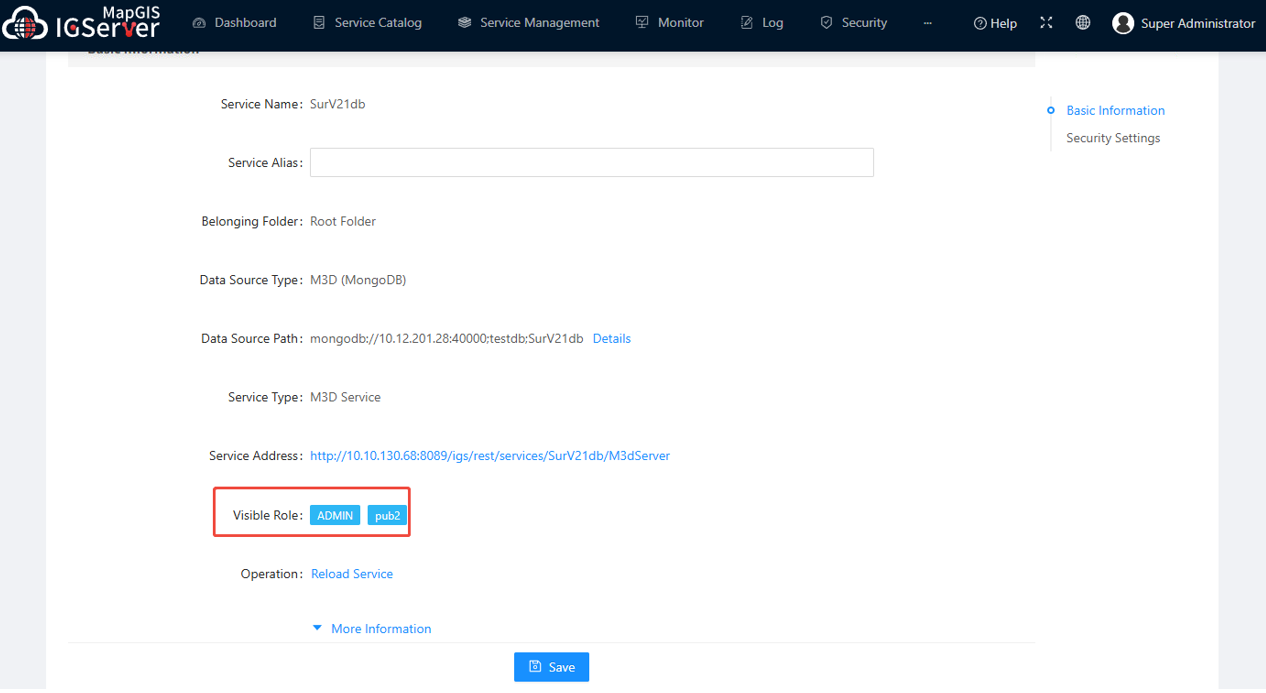
3. In the " More " section, you can assign users and services to roles. After assigning services to a role, the service details will display the roles that can see that service. When logged in as a user, you only have access to the services assigned to that user's role.