User management
 Function Description
The user management page is used to manage all users in this IGServer service, including adding, editing, and deleting users. By default, the system only provides one administrator user: admin.
Tips:
Only users with the "Security_User Management" permission have editing privileges.
 Operating Instructions
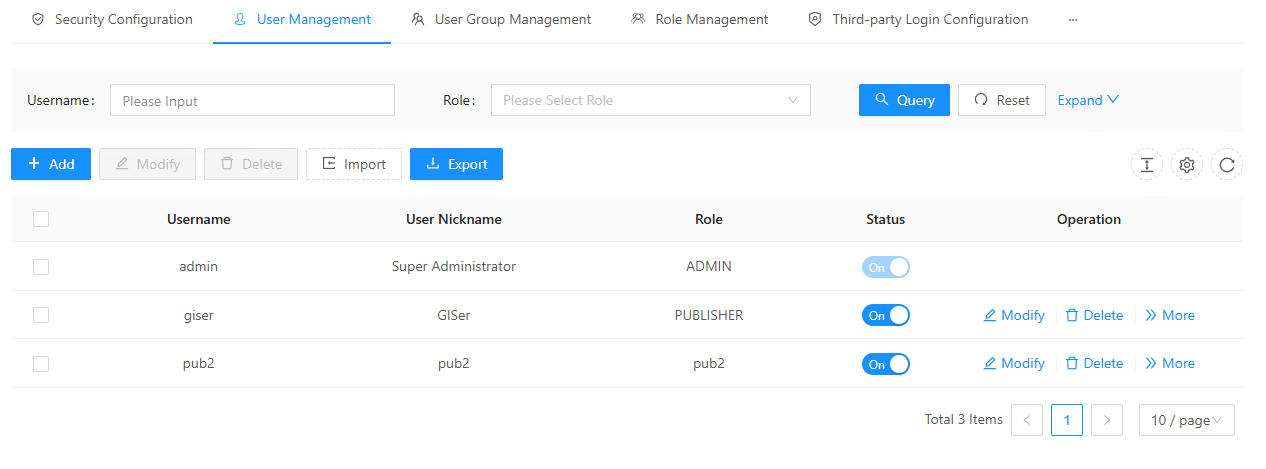
1. On the " Security " page, clicking " User Management " will display all users in the IGServer system:
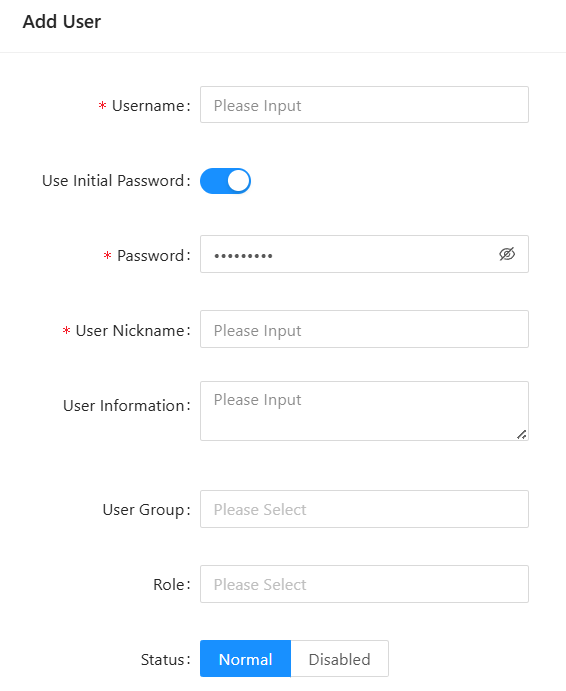
2. Click " Add " to create a new user and specify the user's role type. This user will inherit all permissions of that role.
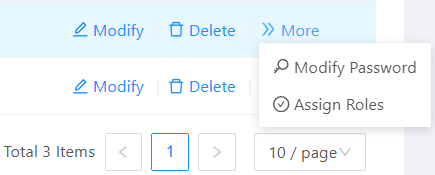
3. In the " More " section, you can change your password and reassign roles to users.