
Address service
Publish service
 Function Description
Addresses are expressed using geographic location identifiers and include structured place name and address descriptions, place name and address codes, and other information. The MapGIS DataStore allows for the creation and import of place name and address databases.
 Operating Instructions
1. On the Service Management page, click " Publish Service " - " 2D Map Service " - " Address Service " to launch the Address Service publishing page;
2. Set Basic Information, you can set the following information:
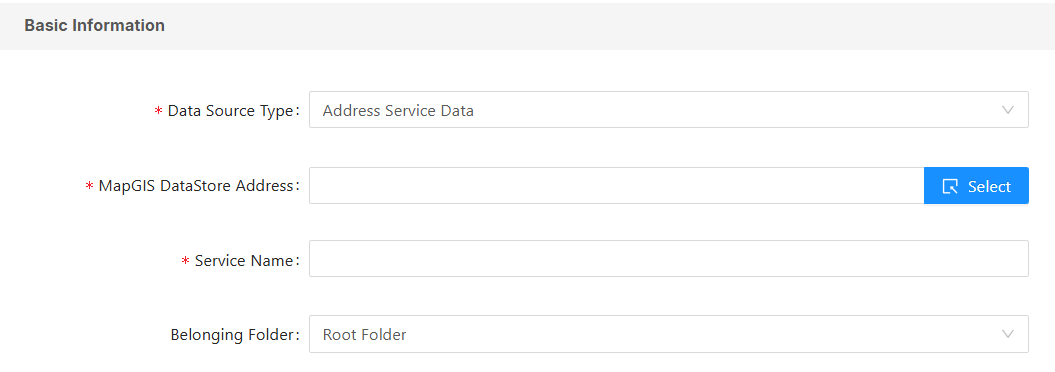
- [Data Source Type]: Currently only DataStore ES location address database is supported;
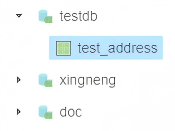
- [MapGIS DataStore Address]: Click to select data from the place name address database in " Big Data Data Source ":
- [Service Name]: Sets the name of the current service;
- [Belonging Folder]: Sets the current service's domestic folder.
3. Access permissions for the service can be set in the " Security Settings ". For details, please refer to the " Permission Settings " section of the 2D map service.
4. Click the " Publish Service " button to publish the current address service.
Service Details
After publishing an address service, you can view the service information and edit the service parameters through the service details.