Image Service
Publish service
 Function Description
This feature allows you to publish OGC services that support the WCS interface for image layers.
Tips:
When publishing a service, you can only select the corresponding files in the registered folder. See " Folder " for detailed steps.
 Operating Instructions
1. On the Service Admin page, click " Publish Service " - " 2D Map Services " - " Image Service " to launch the Image Service Publishing page;
2. Set Basic Information, you can set the following information:
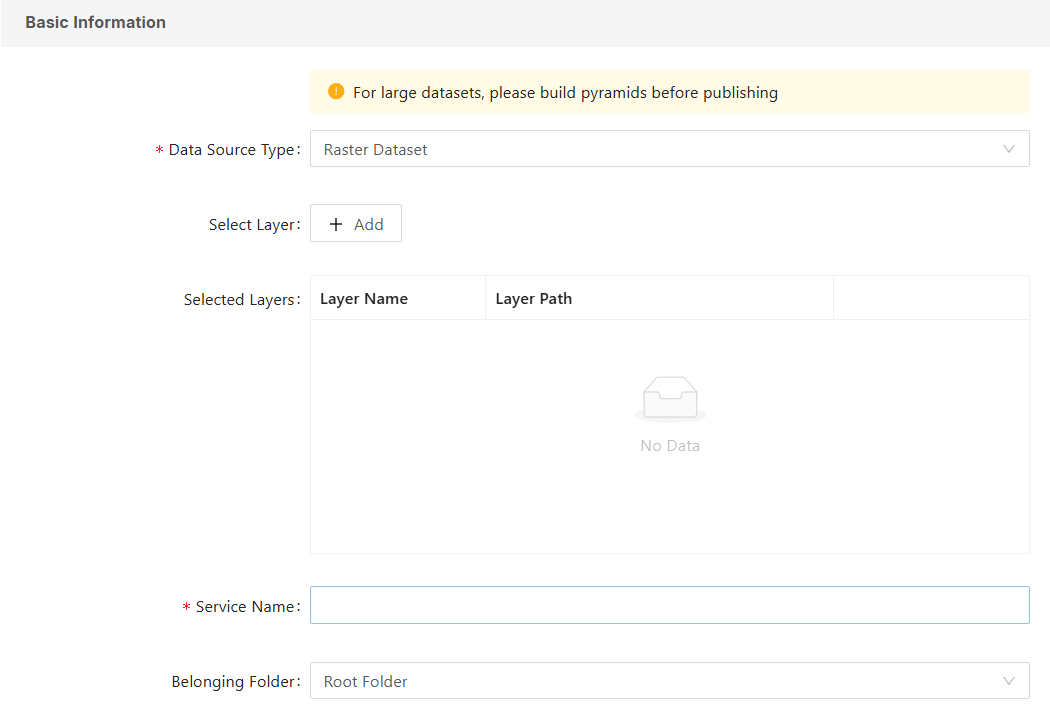
- [Data Source Type]: You can choose from 4 types: Raster Dataset, Mosaic Dataset, Image File, and Image Map Document;
- Raster Dataset: Select resources under Raster Catalog and Raster Dataset in the MapGIS database for layer data;
- Mosaic Dataset: Select resources under the Mosaic Dataset category in the MapGIS database for layer data;
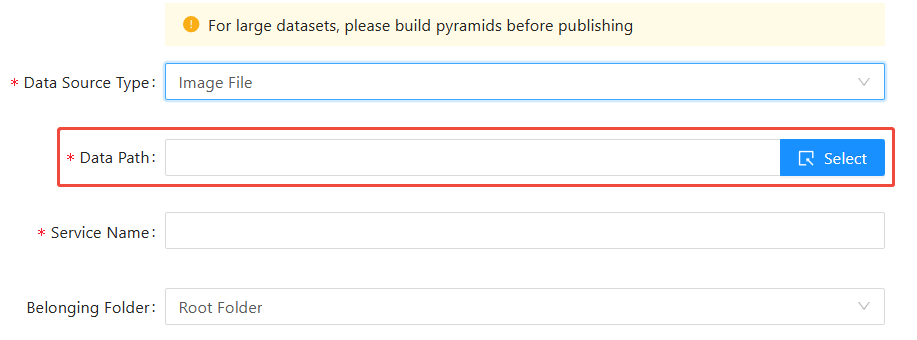
- Image file: Select the raster data resource from my local computer for layer data;
- [Data Path]: Click the " Select " button on the right to select the storage path of the data source on the server. This function is only available when the above data source is selected as " Image File ".
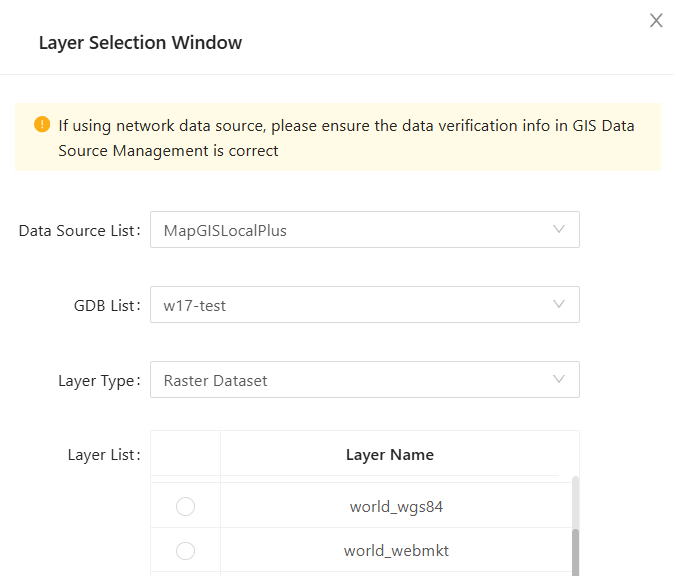
- [Select Layer]: A layer selection window will pop up, allowing you to select the Raster Dataset Layer/Mosaic Dataset Layer under the specified GDB database; this function is only available when the above data source is selected as " Raster Dataset "/" Mosaic Dataset ";
- [Service Name]: Sets the name of the current service;
- [Belonging Folder]: Sets the folder to which the current service belongs;
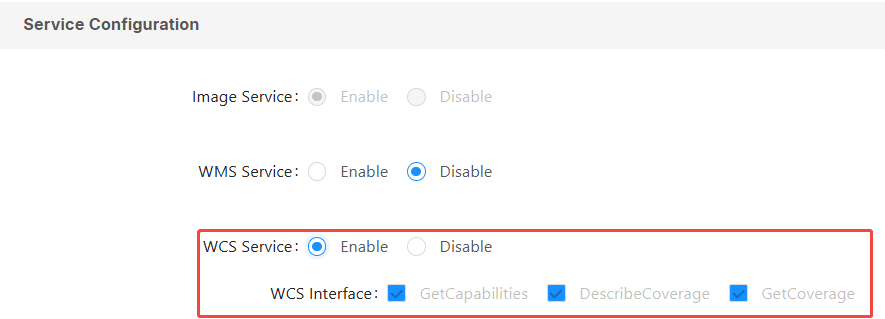
3. Perform service configuration. You can enable the WCS service and configure its interface in the " Service Configuration " section:
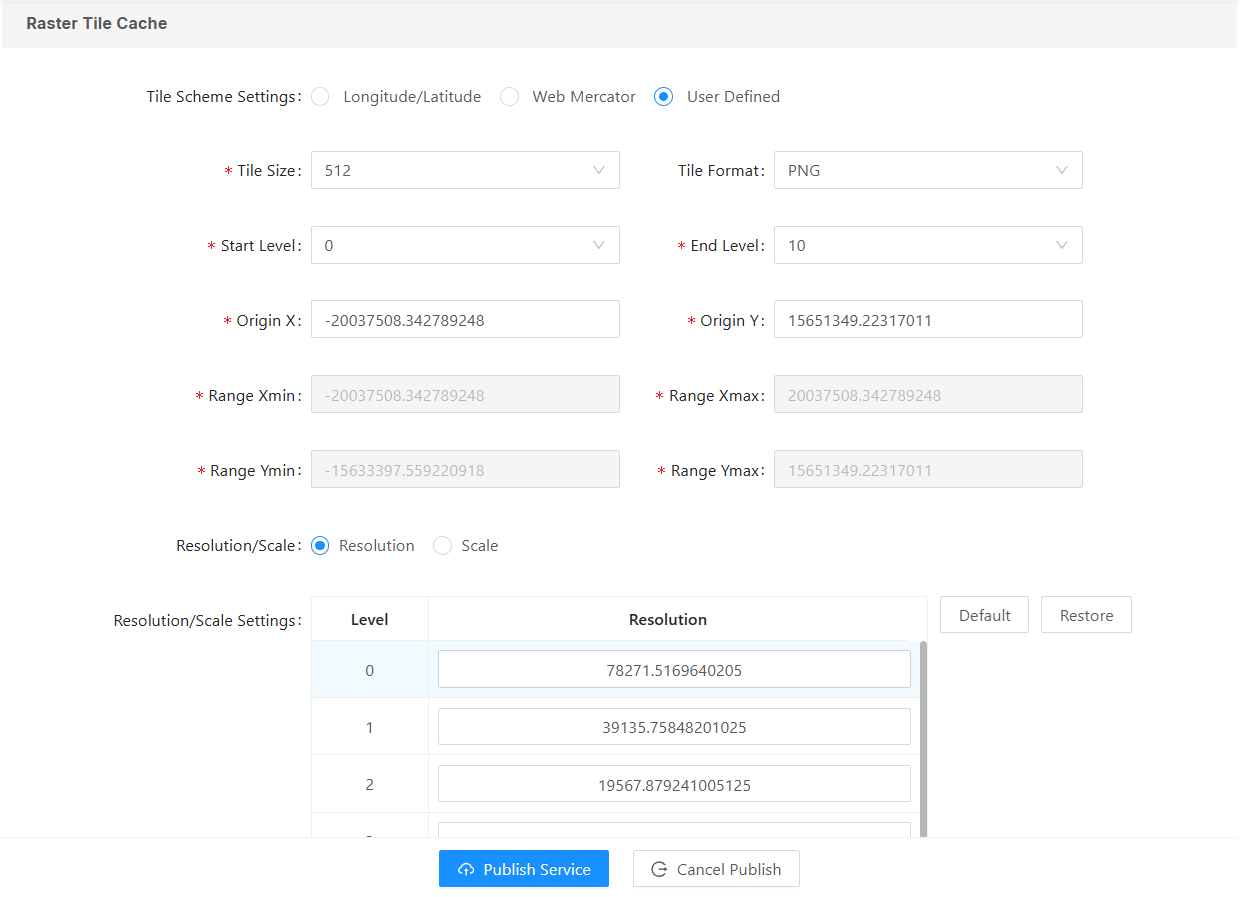
4. For information on setting raster tile clipping, parameters, and usage, please refer to the map tile caching section of the “ Map Services ” chapter. Details will not be repeated here.
5. Click the " Publish Service " button to publish the current image service.
Service Details
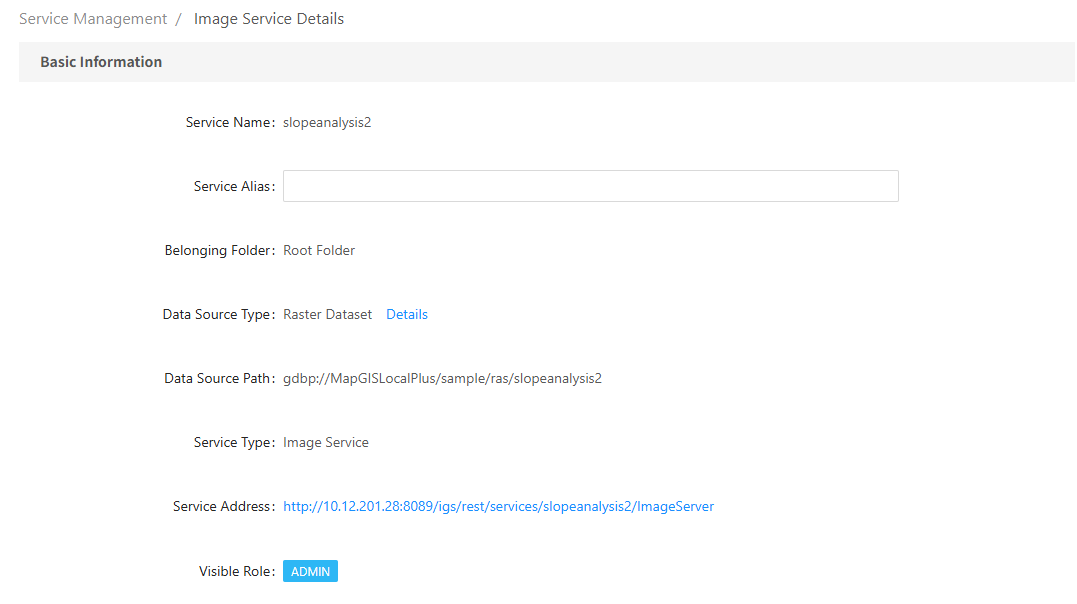
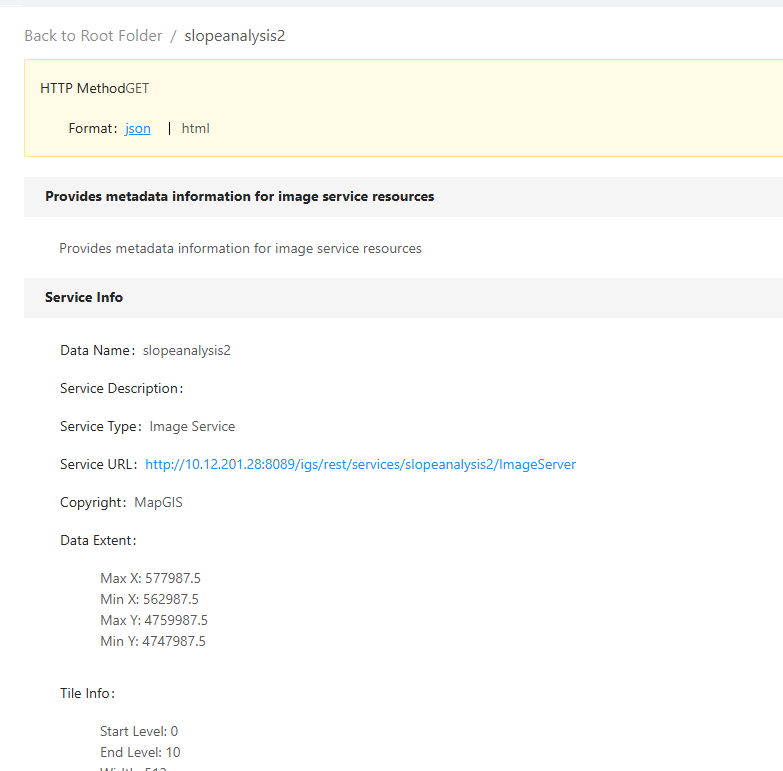
After publishing an image service, you can view the service information and edit the service parameters through the service details.