
Particle effects
 Function description
In the real world, there are some dynamic display effects, such as fire, smoke, fountains, etc. The Particle System Management feature provides a way for users to add these display effects, and users can customize the dynamic display effects.
In the MapGIS system, all dynamic display effects are simulated as the regular motion of several particles. For example, fireworks can be regarded as the process of several pyrotechnic particles spreading from the center point to the surrounding area; Rainfall can be regarded as the process of several raindrop particles moving downward from a plane.
This feature uses particles to simulate effects such as fire, smoke, and fountains in a 3D scene.
 Operating instructions
1. Go to the SceneViewer view, click the "Simulation" function in the right toolbar, and the following panel will be displayed:
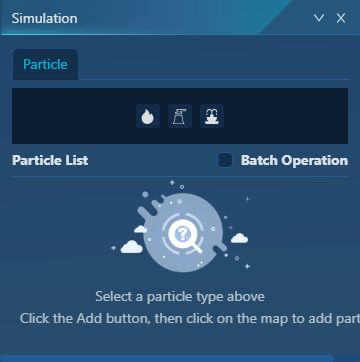
2. Select the particle type, currently supports three particle effects: fire, smoke, and fountain. The detailed parameter settings will pop up:
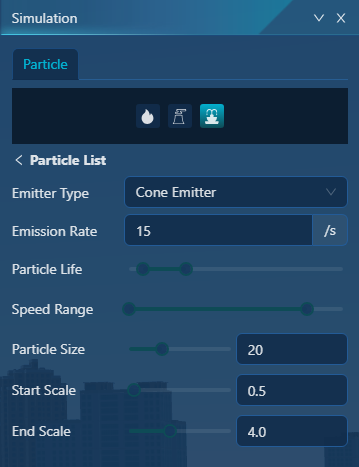
- [Emission Type]: supports box emitter, circle emitter, cone emitter, sphere emitter to control the shape of particles after special effects;
- [Emission Rate]: in units per second, the number of particles emitted per second can be set, the more the particle effect display effect;
- [Particle Life]: The time for the particle to survive, after which it will automatically disappear;
- [Speed Range]: the speed at which the particles are running;
- [Particle Size]: The initial size of each particle, in pixels;
- [Start/End Scale]: The size change of the particle during motion.
3. Interact with the coordinates in the scene view to successfully add particles.
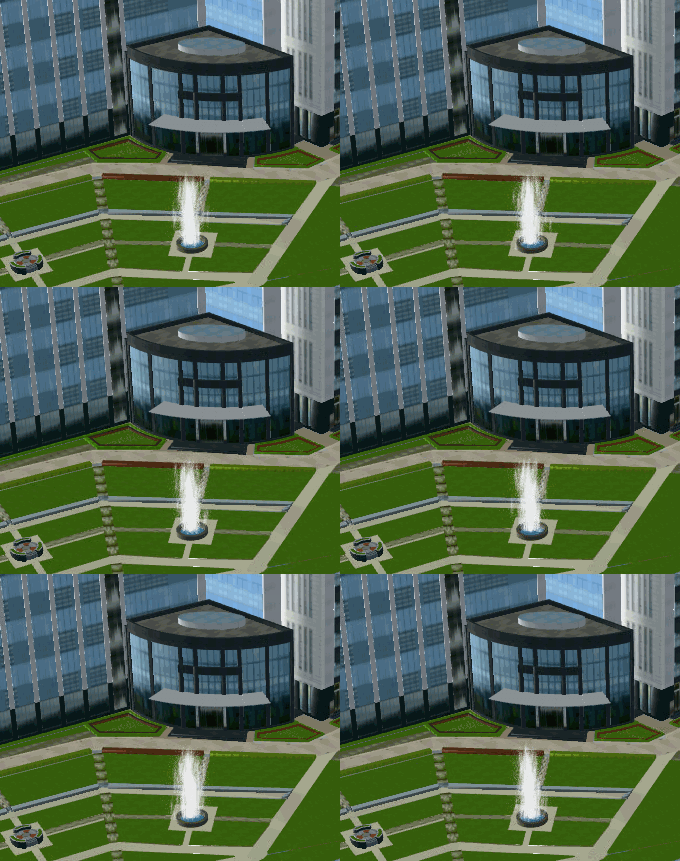
4. You can add multiple particle effects interactively in the scene view, and after the addition is successful, it can be displayed in the list, and you can delete particle effects and modify the visibility operation based on this list.